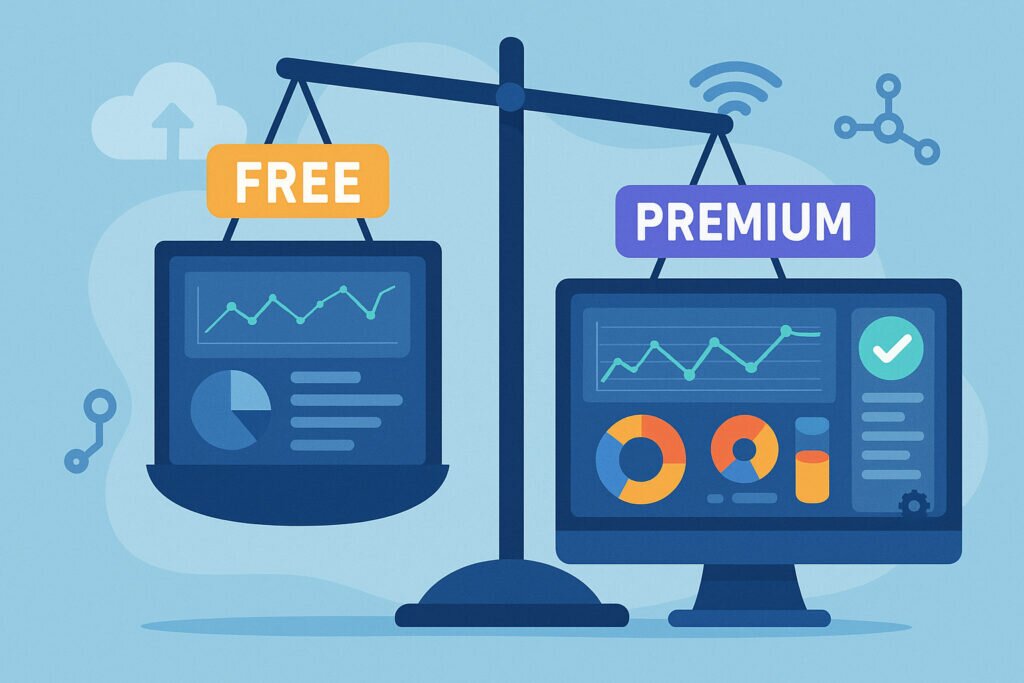
If you’re managing servers or websites, choosing between free and premium monitoring features is one of the first real decisions you’ll face. Free vs premium monitoring isn’t about good versus bad – it’s about matching your tools to your actual infrastructure needs. Get this wrong and you’re either paying for features you’ll never use, or flying blind when something critical breaks at 2 AM.
I’ve seen both sides of this. Teams overspending on enterprise dashboards they barely open, and solo admins scrambling after a disk filled up silently because their free ping checker didn’t look inside the box. Here’s how to figure out which monitoring features you actually need.
What Free Monitoring Really Gives You
Free monitoring has improved dramatically over the past few years. A decent free tier now covers uptime monitoring, basic port checks, SSL certificate expiration alerts, and sometimes simple response-time tracking. If you’re running a few WordPress sites on shared hosting, that combination handles the essentials.
The critical thing to understand is that most free monitoring is external only. It checks whether your service responds from the outside. Think of it as knocking on the front door – you’ll know when nobody answers, but you won’t know the kitchen is on fire until the whole house goes down.
For a straightforward setup – say, three or four websites behind managed hosting – external monitoring is genuinely enough. I ran exactly this kind of setup for close to two years with nothing but free uptime checks and email alerts. The monitoring told me when a site stopped responding, I fixed it, done.
Where Free Monitoring Hits a Wall
The moment you start managing your own servers, the limitations become painful fast. Picture this: your Debian box starts swapping because a rogue process is eating memory. External monitoring still reports the site as “up” because Apache is technically responding – just with 12-second load times that are driving visitors away. You don’t find out until someone complains, or worse, until the OOM killer takes out your database.
Free tiers also cap the number of monitors. Fifty checks sounds generous until you’re running six web servers with multiple virtual hosts each. You end up choosing between monitoring your mail server or your DNS, which is a choice nobody should have to make.
Check frequency is another gap. Free plans often check every 5 or 10 minutes. A service can crash, stay down for 8 minutes, recover on its own, and your monitoring never registers the outage. Your visitors noticed, your logs show the spike, but your monitoring dashboard says 100% uptime. That’s not monitoring – that’s false confidence.
What Premium Monitoring Actually Changes
Premium isn’t about removing limits on a counter. The real difference is agent-based monitoring – installing a lightweight agent directly on your server that reports real-time metrics from inside. Suddenly you see CPU usage climbing over three days, disk space shrinking steadily, a specific process consuming more memory after each restart. You’re not reacting to outages anymore; you’re preventing them. Getting started with agent-based monitoring installation takes minutes with the right platform.
Premium alerting is the other game-changer. Instead of a binary “site up or down” notification, you set thresholds: alert if CPU stays above 85% for five minutes, warn if disk usage passes 80%, notify on Slack if a critical service stops. You can build real-time alert rules that match how your infrastructure actually behaves rather than relying on generic checks.
With full agent metrics, you can track running processes, monitor individual service status, watch database connections in real time, and measure network bandwidth. That internal visibility is the difference between knowing your server died and understanding why it died – which is the only way to stop it from happening again.
The Hybrid Approach Most People Miss
Here’s the thing most guides skip: you don’t have to pick one or the other across your entire stack. A hybrid approach is often the smartest strategy, and it’s how I run my own monitoring.
Use free external monitoring for all your public-facing websites and services. If a site is unreachable, you’ll know. Then add agent-based premium monitoring only on the servers where you need that internal visibility – your production database server, your primary web server, your mail infrastructure.
This way you’re not paying to monitor a low-traffic brochure site the same way you monitor a production database handling thousands of queries per second. Scale spending to risk. A small WordPress site going down for ten minutes is annoying. Your primary database going unmonitored is negligent.
SNMP Monitoring: The Premium Feature You Can’t Fake
One area where there’s no free workaround is SNMP device monitoring. If your infrastructure includes managed switches, routers, or hardware firewalls, you need SNMP support to track port status, bandwidth per interface, hardware temperatures, and device health.
For home-office setups with consumer-grade routers, this is irrelevant. But once you’re managing rack-mounted switches or enterprise firewalls, SNMP monitoring moves from “nice to have” to essential. No amount of clever scripting replaces proper SNMP polling for network hardware.
Cloud Integration for Modern Stacks
If you’re running infrastructure on AWS, Azure, or GCP, premium cloud integration gives you visibility into platform-specific resources that external checks can’t touch. Managed databases approaching connection limits, Lambda functions timing out silently, load balancers with unhealthy targets – all invisible to external monitoring.
Free monitoring tells you the endpoint responds. Cloud integration tells you the RDS instance behind it is at 95% CPU and your next traffic spike will take everything down.
Making the Call for Your Infrastructure
Be honest about your actual setup. If you’re running a handful of sites on managed hosting and downtime is inconvenient but not expensive, free monitoring does the job. Start there without guilt.
Move to premium when any of these are true: you manage your own servers and need to see what’s happening inside them, downtime costs you real money or reputation, you run network hardware that needs SNMP monitoring, or your cloud infrastructure has grown beyond what external checks can cover.
The smartest path is incremental. Start with free external monitoring across everything. Add agent-based monitoring to your most critical servers first. Expand to SNMP and cloud integrations as your infrastructure demands it. Match the investment to the risk, not to a feature comparison chart.
FAQ
Is free monitoring reliable enough for production use?
Yes – free tiers from reputable platforms run on the same infrastructure as their premium offerings. You get fewer features and less frequent checks, but the monitoring itself is just as reliable. Free external monitoring handles production websites perfectly well when your hosting is managed and your needs are straightforward.
Can premium monitoring actually prevent downtime?
No monitoring prevents problems on its own. What premium monitoring gives you is early warning. You see resource trends building over days, catch misconfigured services before they fail under load, and get alerted fast enough to act before users are affected. It shortens your response time dramatically, but it won’t fix broken code or failing hardware for you.
What’s the single most valuable premium feature?
Agent-based monitoring. Once you can see real-time CPU, memory, disk, and process data from inside your servers, everything changes. You stop guessing and start diagnosing. Every other premium feature builds on that internal visibility.
The bottom line: don’t overbuy monitoring out of anxiety, and don’t underbuy it out of frugality. Match what you monitor – and how deeply you monitor it – to the actual risk each system carries. That’s how experienced teams do it, and it’s the approach that scales without blowing your budget.