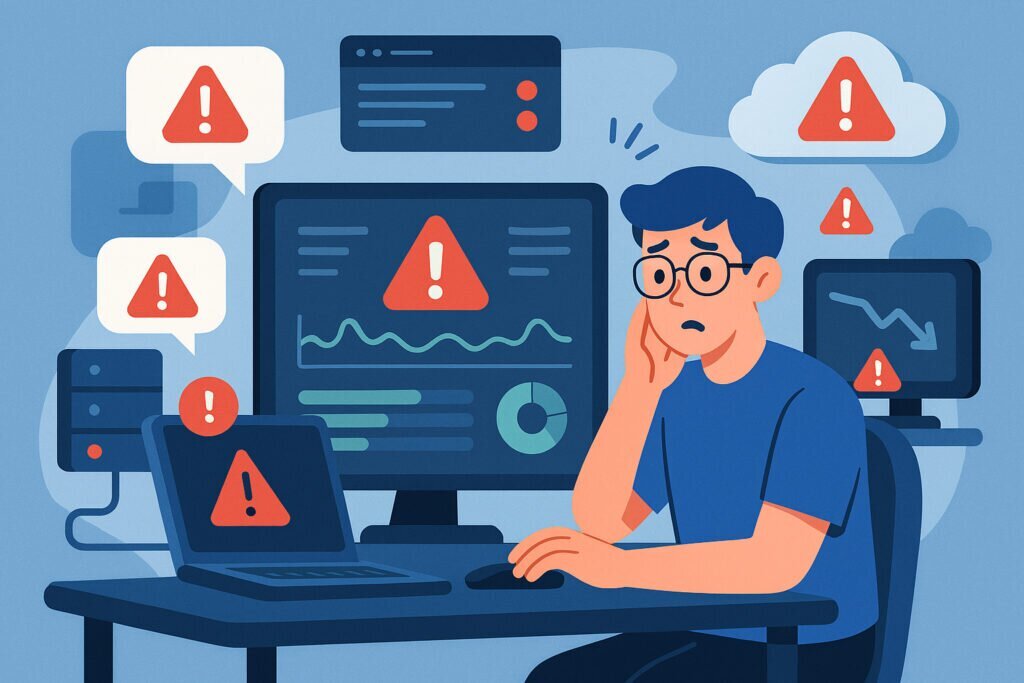
If you’ve ever woken up to a flood of angry emails because a server went down at 3 AM and nobody noticed until morning, you already know why real-time alerts matter. The gap between when a problem starts and when someone actually does something about it is where the real damage happens. Lost revenue, broken SLAs, frustrated users, and that sinking feeling in your stomach when you realize the issue had been brewing for hours.
The good news is that this is entirely preventable. With proper real-time alerting, you can catch problems as they develop, often before your users even notice anything is wrong. Let me walk you through how to set this up properly and avoid the most common mistakes.
Why Delayed Detection Costs More Than You Think
Most people underestimate the true cost of slow incident response. It’s not just about the downtime itself. Every minute your database is running hot or your disk is filling up, the problem compounds. A disk that hits 95% capacity might just slow things down a little. At 100%, services start crashing, logs stop writing, and suddenly you’re dealing with data corruption instead of a simple cleanup job.
I learned this the hard way a few years ago. One of my servers had a log rotation issue that went unnoticed over a weekend. By Monday morning, the root partition was completely full, MySQL had crashed, and the recovery took most of the day. A single alert on disk usage would have saved about eight hours of work and a lot of stress.
The pattern is almost always the same. Small issues become big incidents when nobody is watching. Real-time alerts break that cycle.
What Should You Actually Monitor?
Setting up alerts is easy. Setting up the right alerts takes some thought. You want to cover the essentials without drowning in noise. Here’s what matters most for typical server infrastructure:
CPU and memory usage are the obvious ones, but don’t just alert on high usage. A web server running at 85% CPU during peak hours might be perfectly normal. Alert on sustained high usage over several minutes, or on sudden spikes that deviate from the baseline.
Disk space is the silent killer. Set a warning threshold at around 80% and a critical alert at 90%. This gives you time to react before things break.
Service status matters more than raw metrics in many cases. Is Apache actually responding? Is your database accepting connections? A server can show healthy CPU and memory numbers while a critical service is completely dead.
Network connectivity and latency catch a different class of problems. Your server might be running fine internally while being unreachable from the outside due to a routing issue or DNS problem.
SSL certificate expiration is one that catches people off guard constantly. Set an alert for 30 days before expiry and another at 7 days. Expired certificates cause immediate, visible outages that are embarrassing and completely avoidable.
Setting Up Alerts That Actually Work
The biggest mistake people make with alerting is treating it like a checkbox exercise. They enable every possible alert, get overwhelmed with notifications in the first week, and start ignoring them. Two months later, they’re effectively running without monitoring again.
Start small and be deliberate. Here’s a practical approach that works:
Step one: install a lightweight monitoring agent on your servers. With a platform like NetworkVigil, this takes just a few minutes per server. The agent collects system metrics and reports them back continuously without putting meaningful load on your machine.
Step two: define your alert thresholds based on your actual environment. Don’t just use defaults. Look at your normal operating ranges for a week or two, then set warning thresholds slightly above what you typically see. Critical thresholds should represent conditions that genuinely require immediate action.
Step three: choose your notification channels wisely. Email is fine for warnings, but critical alerts need something more immediate. SMS, push notifications, or integration with tools like Slack or PagerDuty ensure someone actually sees the alert in time.
Step four: set up escalation. If the first person doesn’t acknowledge an alert within 15 minutes, it should go to someone else. No single point of failure in your alerting chain.
The Alert Fatigue Problem and How to Beat It
Alert fatigue is real and it kills monitoring programs. When your phone buzzes fifty times a day with warnings that don’t require action, you stop paying attention. Then the one alert that actually matters gets lost in the noise.
The fix is disciplined threshold management. Every alert should require a specific action. If you get an alert and your response is “that’s normal, I’ll ignore it,” the alert is misconfigured. Either raise the threshold or remove it entirely.
Group related alerts together. If a server’s CPU spikes, memory usage jumps, and disk I/O increases all at once, you don’t need three separate notifications. A good monitoring platform correlates these and sends you one meaningful alert with context.
Review your alert history monthly. Which alerts led to actual action? Which ones were just noise? Tune accordingly.
Monitoring Beyond Individual Servers
Modern infrastructure is rarely just a single box. You probably have web servers, databases, maybe a load balancer, external services you depend on, and DNS that ties everything together. Real-time monitoring should cover the full stack.
External uptime checks verify that your services are actually reachable from the internet, not just running locally. Port monitoring ensures your critical services are listening. Database performance tracking catches slow queries before they cascade into full outages.
For managed service providers and DevOps teams handling multiple client environments, centralized monitoring through a single dashboard is not a luxury. It’s a necessity. You need to see the health of everything at a glance without logging into twenty different systems.
Common Questions About Real-Time Alerting
Does monitoring affect server performance? A well-built agent uses minimal resources. We’re talking about a fraction of a percent of CPU and a few megabytes of memory. If your monitoring tool is noticeably impacting performance, something is wrong with the tool.
How fast should alerts arrive? For critical issues, under a minute. Anything longer and you’re losing valuable response time. Most modern platforms, including NetworkVigil, detect and notify within seconds.
Should I monitor development servers too? At minimum, monitor staging environments that mirror production. Catching issues in staging means they never reach your live users.
Is free monitoring good enough? For most small to mid-size operations, absolutely. The core metrics that prevent the majority of outages, CPU, memory, disk, service status, uptime, and SSL, don’t require premium features. Start with free monitoring and expand only when your infrastructure demands it.
Start Simple, Stay Consistent
The best monitoring setup is the one you actually maintain. Don’t try to build a perfect system on day one. Get your critical servers covered with basic alerts, respond to those alerts consistently, and refine over time. The goal isn’t to monitor everything. It’s to never be caught off guard by something you should have seen coming.
Infrastructure problems will always happen. The difference between a minor hiccup and a major outage is almost always how quickly someone noticed and responded. Real-time alerts give you that speed. Set them up, tune them properly, and you’ll sleep a lot better knowing your systems are being watched around the clock.