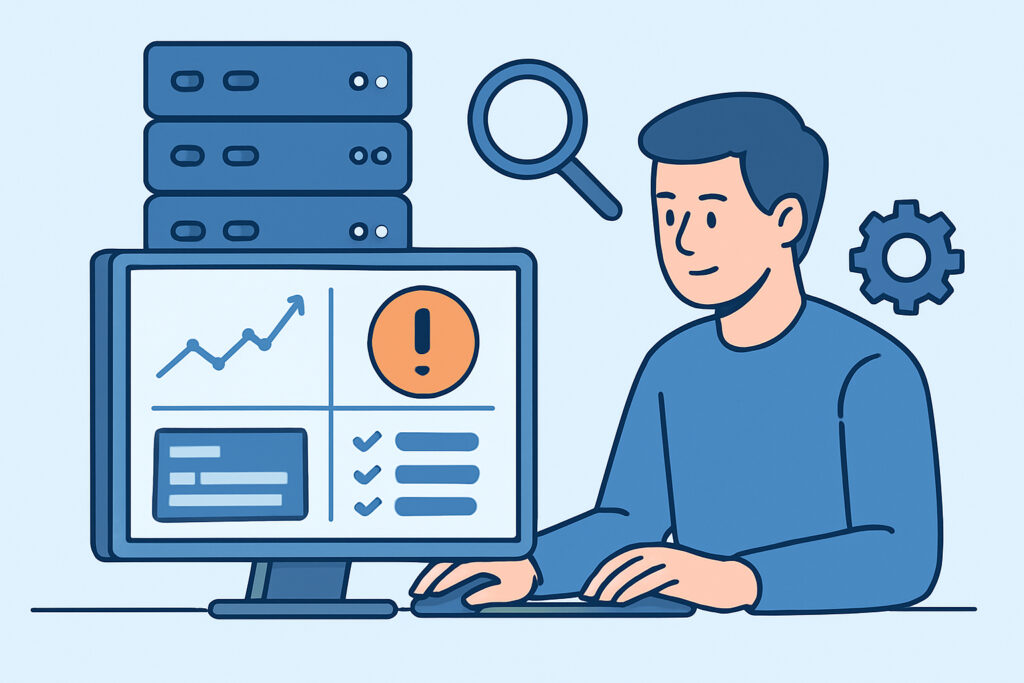
Professional monitoring tools are essential for every system administrator to maintain infrastructure reliability and prevent costly downtime. The right combination of monitoring solutions enables proactive issue detection, comprehensive visibility, and streamlined incident response across servers, networks, databases, and services.
Building an effective monitoring strategy requires understanding which tools serve specific purposes and how they complement each other. Many sysadmins make the mistake of thinking a single tool can handle all monitoring needs, but professional environments typically require a layered approach combining different monitoring methods and coverage areas.
Core Infrastructure Monitoring Components
Every professional monitoring setup needs agent-based monitoring for detailed server metrics. Agents provide real-time visibility into CPU utilization, memory consumption, disk space, and running processes that external monitoring simply cannot capture.
Agent-based monitoring excels at detecting performance degradation before it impacts users. When a database server starts consuming excessive memory or a web server’s CPU spikes unexpectedly, internal agents catch these issues immediately rather than waiting for external symptoms to appear.
External monitoring complements internal agents by validating service availability from the user’s perspective. Port monitoring, SSL certificate checks, and uptime verification ensure that services remain accessible even when internal metrics appear normal. This dual approach prevents the common scenario where servers report healthy status while users cannot access applications.
Network device monitoring through SNMP extends visibility beyond servers to switches, routers, and other infrastructure components. Many outages originate from network devices rather than servers, making comprehensive network monitoring crucial for complete infrastructure visibility.
Database Performance Monitoring Requirements
Database monitoring deserves special attention because database issues cascade throughout entire application stacks. Professional database monitoring tracks connection counts, query performance, lock contention, and resource utilization patterns.
Connection pool monitoring prevents the frequent issue where applications exhaust database connections during traffic spikes. Database connection pool monitoring provides early warning when connection usage approaches limits, allowing administrators to investigate before applications start failing.
Query performance monitoring identifies slow queries that degrade overall database performance. Tracking query execution times, blocking queries, and resource-intensive operations helps maintain consistent application response times.
Database-specific metrics vary between platforms, but common indicators include buffer hit ratios, transaction log usage, and replication lag. These metrics provide insights into database health that generic server monitoring cannot capture.
Alerting and Escalation Strategies
Professional monitoring tools must include intelligent alerting that reduces noise while ensuring critical issues receive immediate attention. Alert fatigue remains one of the biggest challenges in monitoring implementations.
Threshold-based alerting works for straightforward metrics like disk space and memory usage. Set warnings at 80% utilization and critical alerts at 90% to provide adequate response time for capacity planning and immediate action.
Anomaly detection helps identify performance issues that don’t trigger simple thresholds. A server running at 60% CPU might be normal during business hours but indicate problems during maintenance windows.
Alert escalation ensures critical issues reach the right people when initial notifications go unanswered. Configure escalation paths that account for on-call rotations, time zones, and severity levels.
Service dependency mapping prevents alert storms when upstream failures cause multiple downstream alerts. Understanding service relationships helps focus troubleshooting efforts on root causes rather than symptoms.
Unified Dashboard Requirements
Professional environments need centralized visibility that eliminates the need to check multiple tools during incidents. Complete infrastructure health dashboards provide the comprehensive view necessary for effective incident response.
Real-time metrics display current system status at a glance, but historical data provides context for understanding whether current conditions represent normal variations or developing problems. Effective dashboards balance immediate status with trend analysis.
Customizable views allow different team members to focus on relevant metrics. Network administrators need different perspectives than database administrators or application developers.
Mobile accessibility ensures that on-call staff can assess situations and respond appropriately regardless of location. Critical infrastructure monitoring must remain accessible during emergencies.
Scalability and Integration Considerations
Professional monitoring tools must scale with infrastructure growth without requiring complete replacements. Starting with comprehensive solutions that offer expansion paths prevents monitoring tool migrations that disrupt operations.
Cloud integration capabilities become essential as organizations adopt hybrid and multi-cloud architectures. Monitoring solutions should provide consistent visibility across on-premises servers, cloud instances, and managed services.
API access enables integration with existing workflows, ticketing systems, and automation tools. Professional environments often require custom integrations that aren’t possible with closed monitoring platforms.
Data retention policies balance historical analysis needs with storage costs. Critical metrics may require longer retention than routine performance data.
Common Monitoring Myths Debunked
The biggest myth in infrastructure monitoring is that expensive enterprise solutions automatically provide better monitoring than open-source alternatives. Professional monitoring effectiveness depends on proper implementation, not licensing costs.
Many organizations overpay for enterprise features they never use while lacking basic monitoring coverage that free tools could provide. Focus on comprehensive coverage before investing in premium features.
Another common misconception suggests that more metrics always mean better monitoring. Excessive metrics create noise that obscures important trends. Professional monitoring emphasizes relevant metrics that drive actionable decisions.
Frequently Asked Questions
What’s the minimum monitoring every server needs?
Every server requires CPU, memory, disk space, and network monitoring plus service-specific checks for critical applications. External uptime monitoring validates accessibility from user perspectives.
How often should monitoring tools collect metrics?
Collect system metrics every 30-60 seconds for real-time visibility without overwhelming systems. Critical services may require more frequent checks, while some metrics can use longer intervals.
Should monitoring tools run on the same servers they monitor?
Use lightweight agents on monitored servers but run monitoring platforms on dedicated infrastructure to prevent monitoring failures during server issues. Separate monitoring infrastructure ensures visibility during outages.
Building Your Professional Monitoring Stack
Professional monitoring requires combining multiple approaches rather than relying on single solutions. Start with comprehensive server monitoring using lightweight agents, add external monitoring for user-facing services, and extend coverage to network devices and databases based on infrastructure needs.
The most effective monitoring strategies emphasize comprehensive coverage over expensive features. Reliable monitoring that covers all infrastructure components prevents more downtime than sophisticated analytics that monitor only portions of the environment.