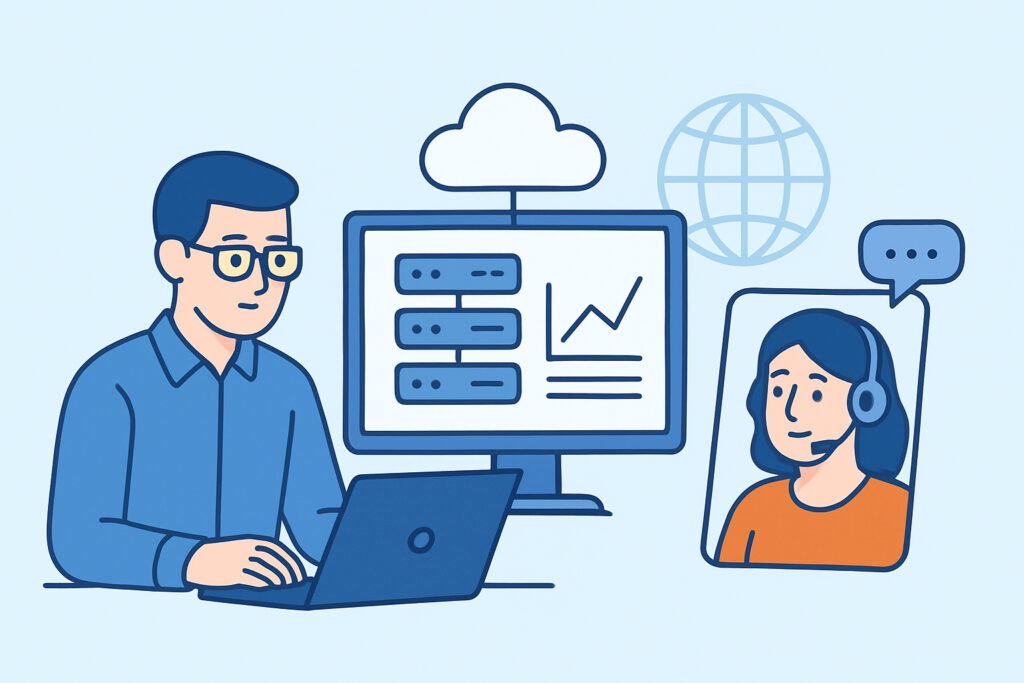
Remote IT teams face unique challenges when managing distributed infrastructure across multiple locations and cloud environments. Infrastructure monitoring for remote IT teams requires specialized approaches that account for geographic distribution, varied connectivity, and limited physical access to systems.
Modern remote teams typically manage a hybrid mix of on-premises servers, cloud instances, and edge devices spread across different time zones. Without proper monitoring, a server failure in one location might go undetected for hours while team members sleep or work on other priorities. The key is implementing centralized visibility that works regardless of where team members are located or what infrastructure they’re managing.
Challenges Unique to Remote Infrastructure Management
Remote teams can’t simply walk to a server rack when something goes wrong. Physical access limitations mean that remote monitoring becomes absolutely critical – there’s no fallback option of checking hardware status lights or swapping components immediately.
Network connectivity adds another layer of complexity. A monitoring solution that works perfectly in a corporate environment might fail when team members connect through various VPNs, mobile hotspots, or international connections. The monitoring platform itself needs to be accessible and reliable regardless of how team members connect to it.
Time zone differences create coverage gaps that don’t exist in traditional office environments. An incident that starts at 2 AM Eastern time might not be noticed until 8 AM Pacific time if the monitoring system doesn’t properly alert the right people at the right time. This six-hour delay can turn a minor issue into a major outage.
Essential Features for Distributed Teams
Centralized dashboards become non-negotiable for remote teams. Everyone needs to see the same infrastructure status regardless of their location. A unified view of infrastructure health prevents the confusion that occurs when team members have different monitoring tools or access levels.
Lightweight agents solve the problem of monitoring systems that themselves become resource burdens. When you can’t easily access a server to troubleshoot performance issues, the monitoring agent can’t be part of the problem. Modern agents should consume less than 1% of system resources while providing comprehensive metrics.
Multi-platform support reflects the reality of heterogeneous remote environments. A typical remote team might manage Ubuntu servers, Windows domain controllers, CentOS web servers, and various cloud instances simultaneously. The monitoring solution needs to handle this diversity without requiring different tools for different platforms.
External monitoring capabilities provide an outside perspective that’s especially valuable for remote teams. Internal agents might report that everything looks normal, but external checks can detect network issues that prevent users from actually reaching services.
Common Misconceptions About Remote Monitoring
Many teams believe that cloud infrastructure doesn’t need the same level of monitoring as on-premises systems. This assumption leads to blind spots, especially around application performance and resource utilization patterns. Cloud instances can experience CPU throttling, memory pressure, and disk I/O issues just like physical servers.
Another misconception is that expensive enterprise monitoring tools are necessary for professional remote team operations. The reality is that cost-effective solutions often provide better value for distributed teams because they’re designed with simplicity and accessibility in mind rather than complex enterprise features that remote teams rarely use.
Some teams also assume that monitoring remote infrastructure requires complex VPN setups or special network configurations. Modern monitoring platforms use standard HTTPS connections and can work through existing security infrastructure without requiring additional network complexity.
Setting Up Monitoring for Geographic Distribution
Start with external monitoring to establish baseline connectivity from multiple geographic locations. This provides the outside-in view that remote teams need to understand how infrastructure appears to users in different regions.
Deploy lightweight agents systematically, beginning with the most critical systems. For remote teams, critical usually means systems that are hardest to access physically or have the longest recovery times when they fail. Database servers and domain controllers often fall into this category.
Configure alert routing based on time zones and on-call schedules. A server failure in the European office should wake up the European team member, not someone in California who can’t physically respond anyway. Centralized monitoring systems can handle complex routing rules that account for business hours, holidays, and escalation procedures.
Document everything extensively. Remote teams can’t tap a colleague on the shoulder to ask about a monitoring configuration. Alert procedures, escalation paths, and troubleshooting runbooks need to be written down and easily accessible.
Scaling Monitoring with Team Growth
Remote teams often grow quickly and unpredictably. A monitoring solution that works for three people might break down when the team reaches ten members across four time zones. The monitoring platform needs to handle additional users, more complex alert routing, and increased infrastructure without requiring a complete overhaul.
Budget considerations become more important for remote teams because they often operate with different financial constraints than traditional IT departments. Solutions that scale from free tiers to premium features allow teams to grow their monitoring capabilities alongside their infrastructure and budget.
Monitoring scalability also means handling new types of infrastructure as teams mature. A startup might begin with simple web servers but eventually need database monitoring, container orchestration visibility, and multi-cloud management capabilities.
Integration with Remote Work Tools
Modern remote teams live in collaboration platforms like Slack, Microsoft Teams, or Discord. Monitoring alerts that only go to email often get lost in the noise of remote work communication. The monitoring system should integrate with the team’s existing communication tools to ensure alerts reach the right people through channels they actually monitor.
Incident management becomes more structured for remote teams because ad-hoc hallway conversations don’t exist. The monitoring platform should support or integrate with incident tracking systems that help teams coordinate response efforts across time zones and communication barriers.
Mobile access isn’t optional for remote teams. Team members might need to check infrastructure status or acknowledge alerts while away from their primary workstations. The monitoring interface needs to work effectively on phones and tablets.
FAQ
How much monitoring overhead can remote infrastructure handle?
Monitoring agents should consume less than 1% of CPU and memory resources. Remote teams can’t easily troubleshoot performance issues caused by monitoring tools themselves, so lightweight agents are essential. Modern solutions achieve comprehensive monitoring with minimal resource impact.
What’s the minimum monitoring coverage needed for a remote team?
Start with external uptime monitoring and basic server metrics (CPU, memory, disk, network) for critical systems. Add database monitoring and service status checks as the second priority. This foundation provides early warning for most issues that could impact remote team operations.
How do remote teams handle monitoring costs as they scale?
Look for solutions with generous free tiers that include essential features, then scale premium capabilities based on actual needs rather than seat counts. Avoid enterprise pricing models that charge per user – remote teams often have varying levels of monitoring access needs.
Building Sustainable Remote Monitoring
Successful infrastructure monitoring for remote teams balances comprehensive visibility with operational simplicity. The goal is early detection of issues that could impact distributed operations while avoiding alert fatigue that reduces team responsiveness.
Focus on monitoring solutions designed for distributed access rather than adapting traditional enterprise tools. Remote teams need platforms that work reliably across various network conditions and don’t require complex on-premises infrastructure to operate effectively.
The most sustainable approach combines external monitoring for user-facing services with lightweight internal agents for detailed system metrics. This dual approach provides both the outside perspective and internal visibility that remote teams need to maintain reliable infrastructure operations.